Blog

Latest news, updates, and insights from the SnapHotkey team.

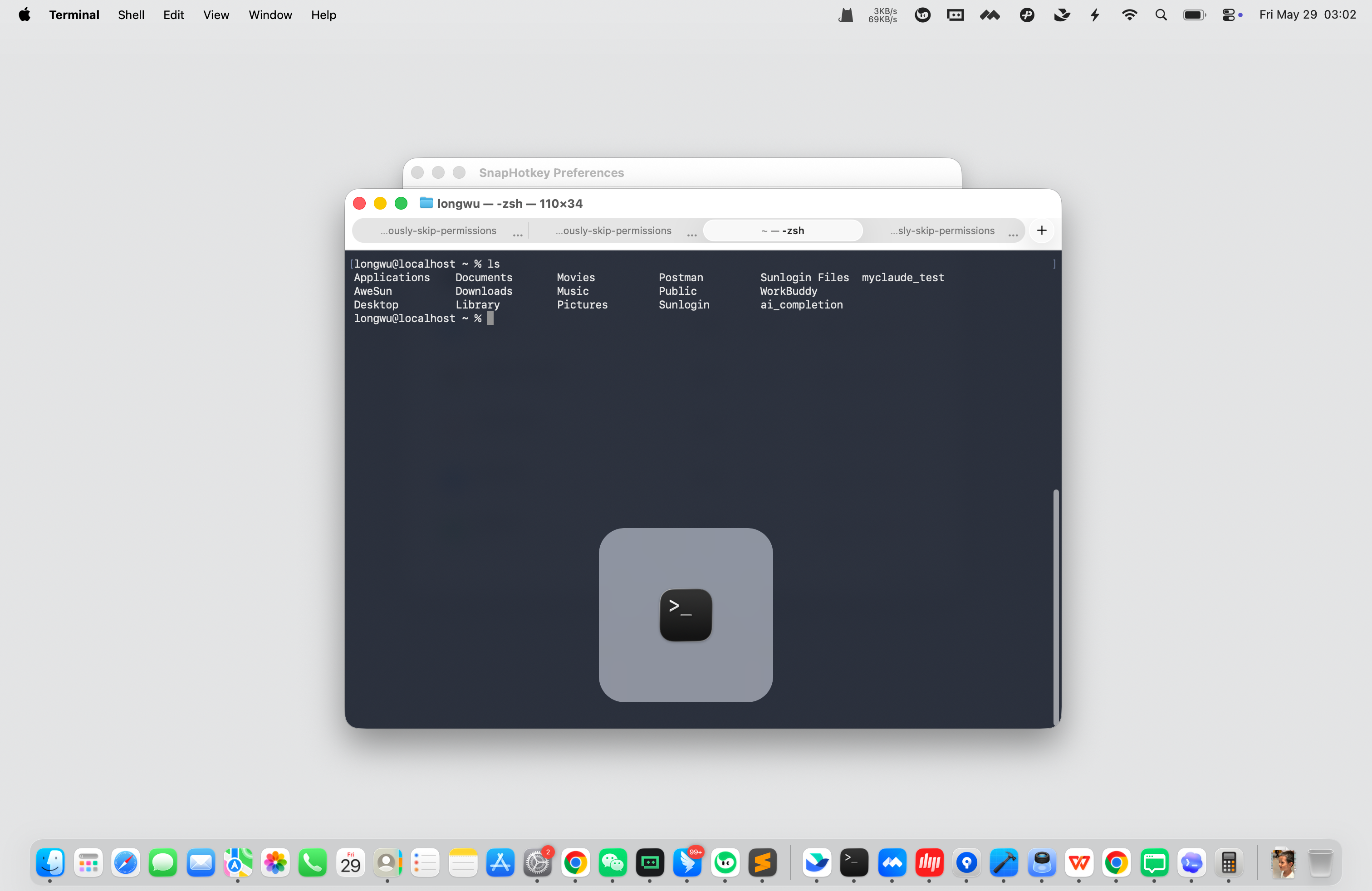
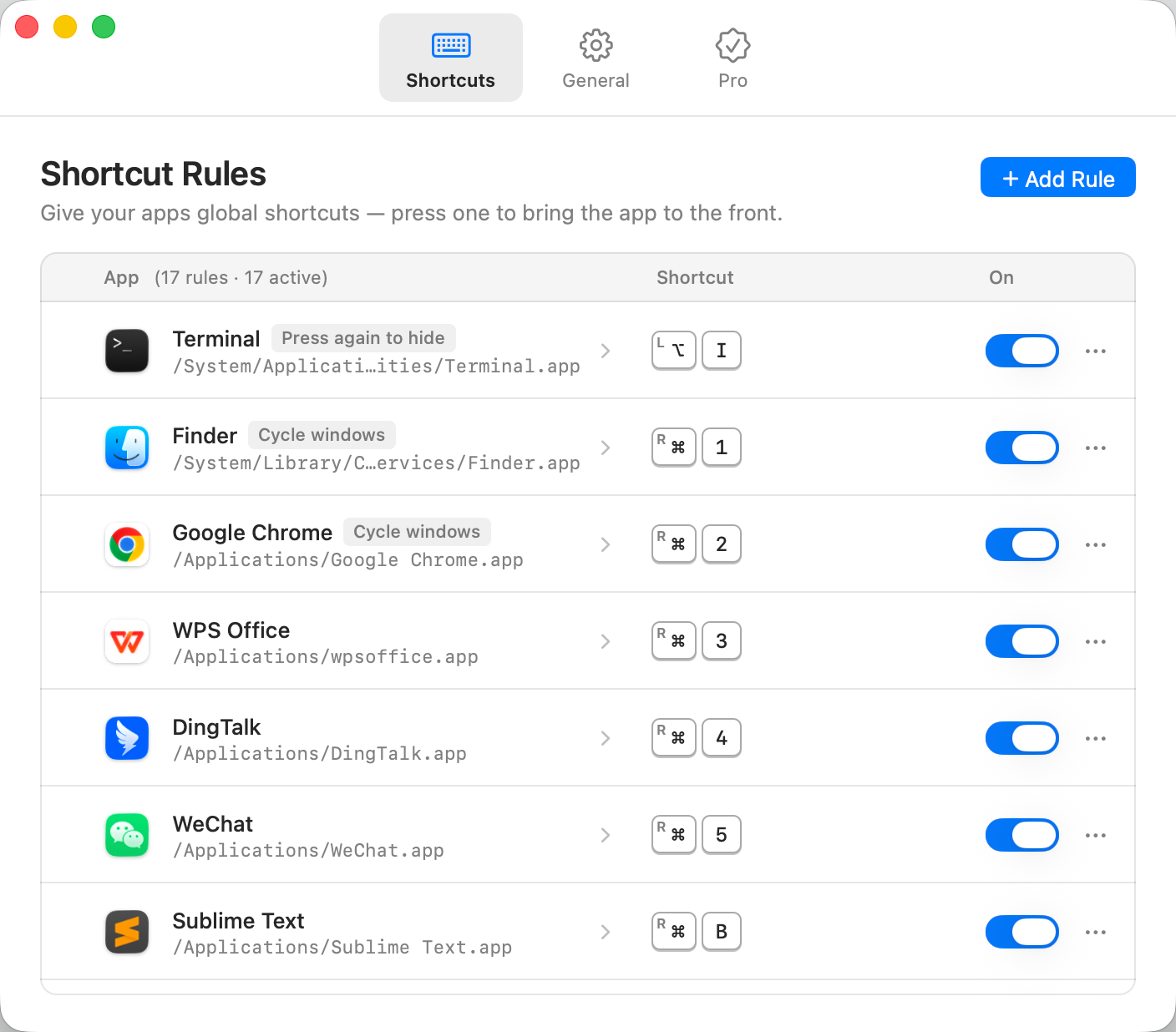
SnapHotkey 1.2: A Redesigned Settings Window, Drag-and-Drop Rules, and a Launch Offer
November 12, 2026 · 8 min read

SnapHotkey 1.2: A Redesigned Settings Window, Drag-and-Drop Rules, and a Launch Offer

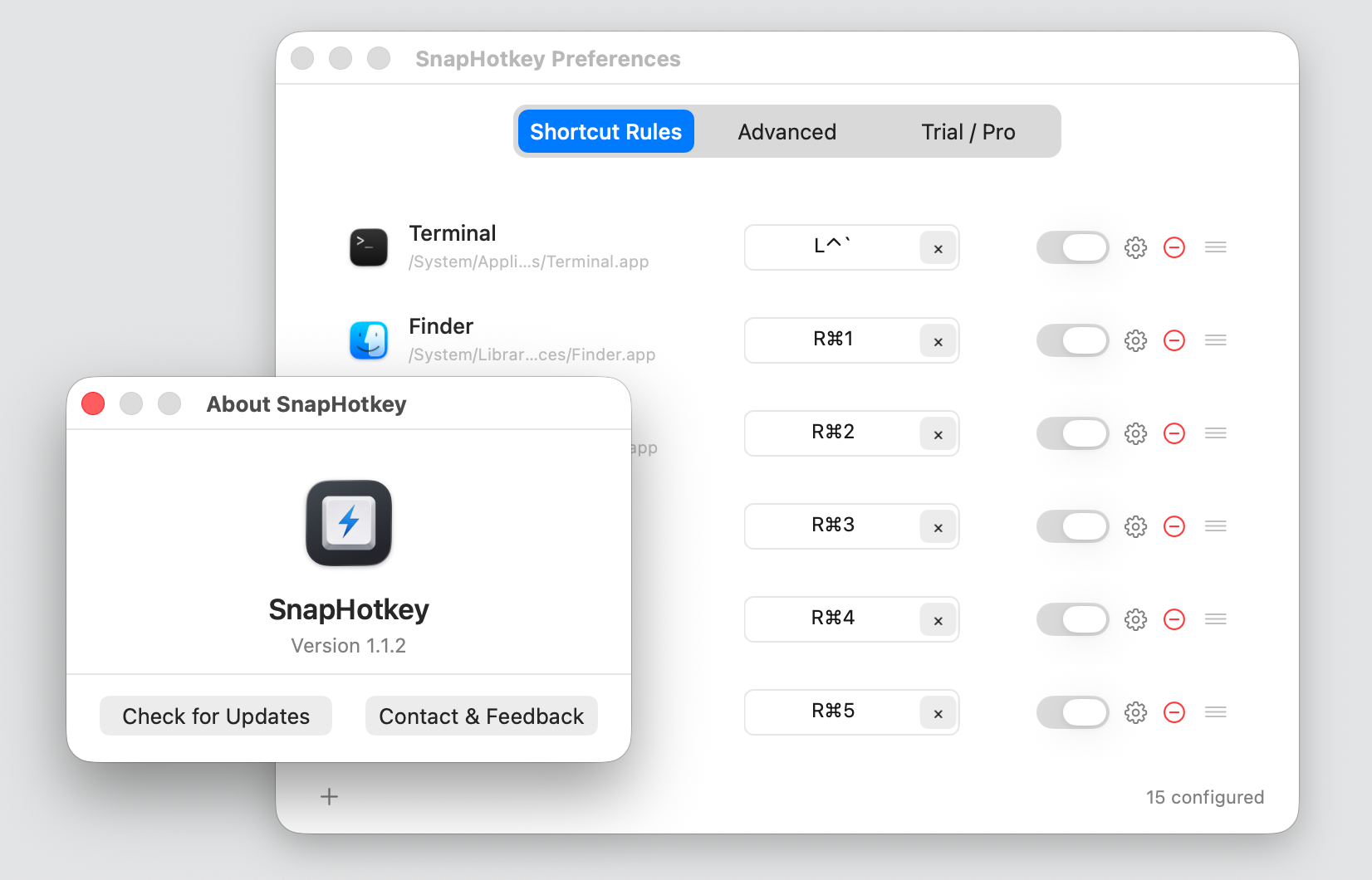
TL;DR: SnapHotkey 1.2 rebuilds the Preferences window from scratch. Adding a rule, finding its advanced options and seeing what's wrong all take fewer clicks, and every pane now follows dark mode. It also fixes a rare bug that could freeze keyboard and mouse input across the system, and Pro is 50% off until February 10, 2027. <a href="#" data-open-video>▶ Watch the 1-minute intro</a>

release macos app-switching
Keyboard Maestro App Switching on Mac: The Setup and the Honest Bill
October 22, 2026 · 10 min read

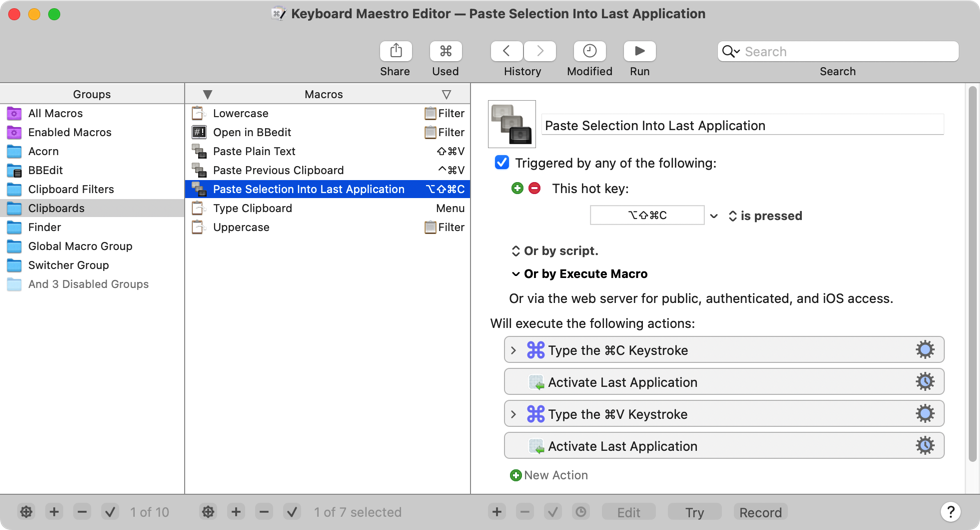
Keyboard Maestro App Switching on Mac: The Setup and the Honest Bill

TL;DR: Keyboard Maestro can switch apps with a hotkey — one macro per app, inside a full macro editor, for $36 one-time. If that narrow job is all you want from it, SnapHotkey does the same launch-or-focus from a single screen for $9.99, with toggle show/hide, same-app window cycling and Left/Right Cmd already built in. <a href="#" data-open-video>▶ Watch the 1-minute intro</a>

keyboard-maestro app-switching keyboard-shortcuts
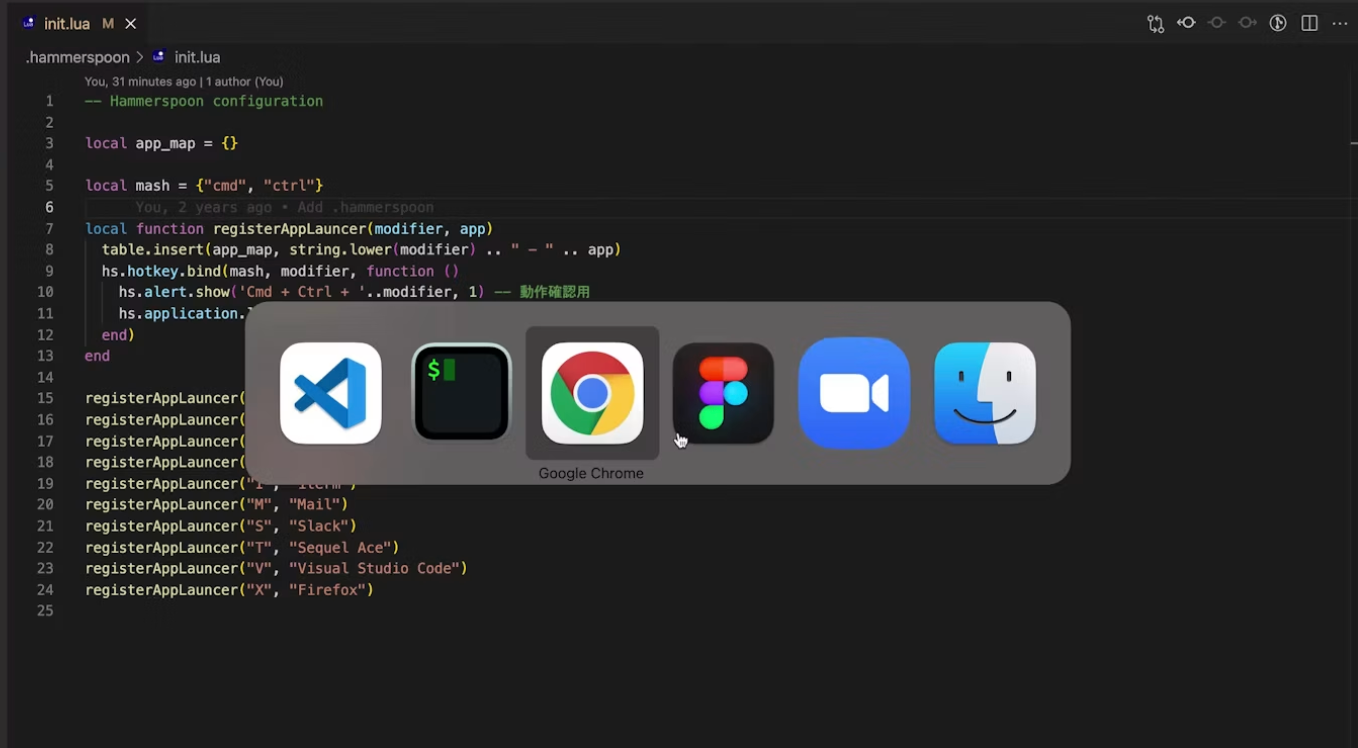
Hammerspoon App Switching: The Simplest Setup (and the Simpler One)
September 19, 2026 · 8 min read

Hammerspoon App Switching: The Simplest Setup (and the Simpler One)

TL;DR: Hammerspoon switches apps in five lines of Lua (hs.hotkey.bind + launchOrFocus) — but it still costs an install, a dotfile, a reload cycle, and extra scripting for advanced features. SnapHotkey does the same launch-or-focus in about two minutes — no config file, GUI-based setup, runs entirely on-device, and dead simple. <a href="#" data-open-video>▶ Watch the 1-minute intro</a>

hammerspoon app-switching keyboard-shortcuts