Mac Developer Productivity: Keyboard Shortcuts 2026
Mac developer productivity keyboard shortcuts 2026: reduce context switching with a tiered system — hotkeys first, window layout second, Spaces third.
Mac switch windows same app: why Cmd+` breaks in full-screen and Spaces, every native method tested, and keyboard solutions that actually work.
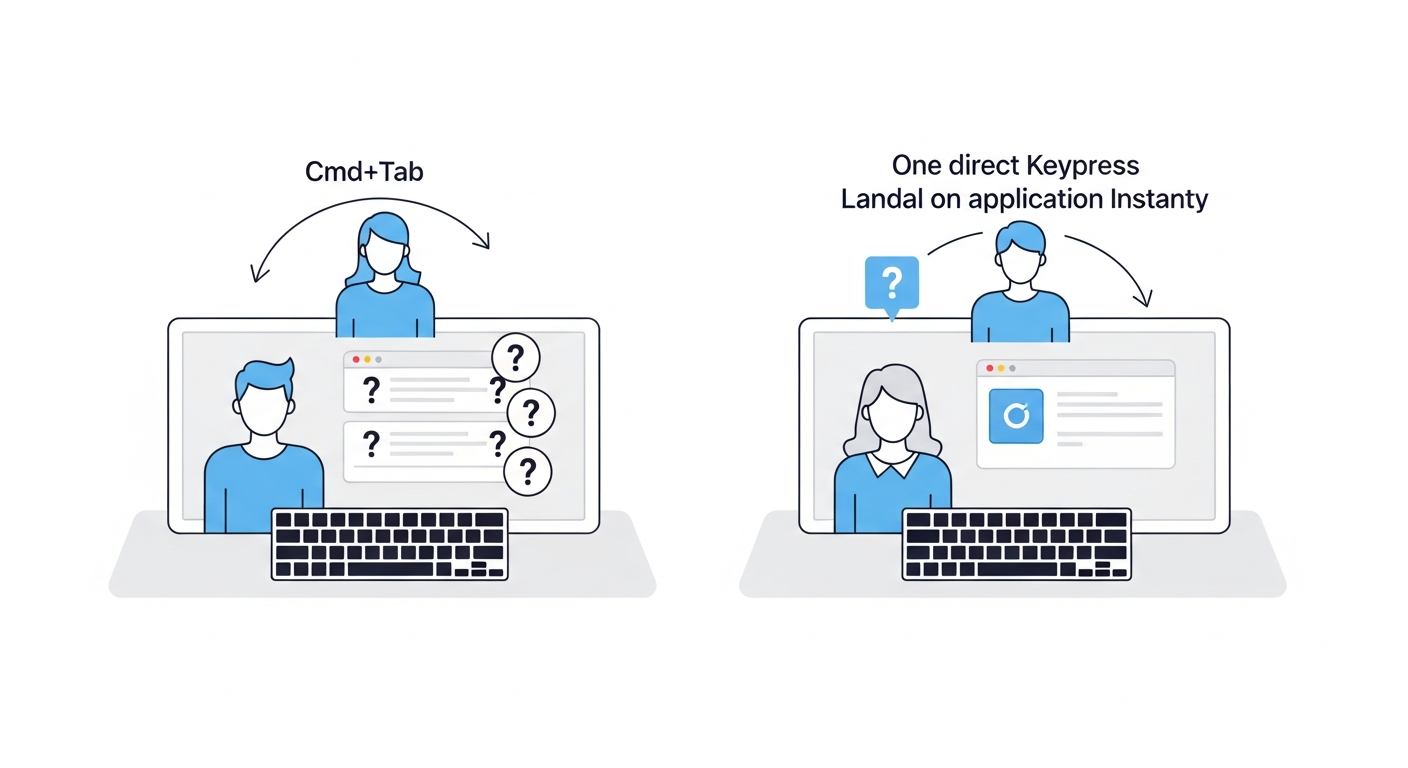
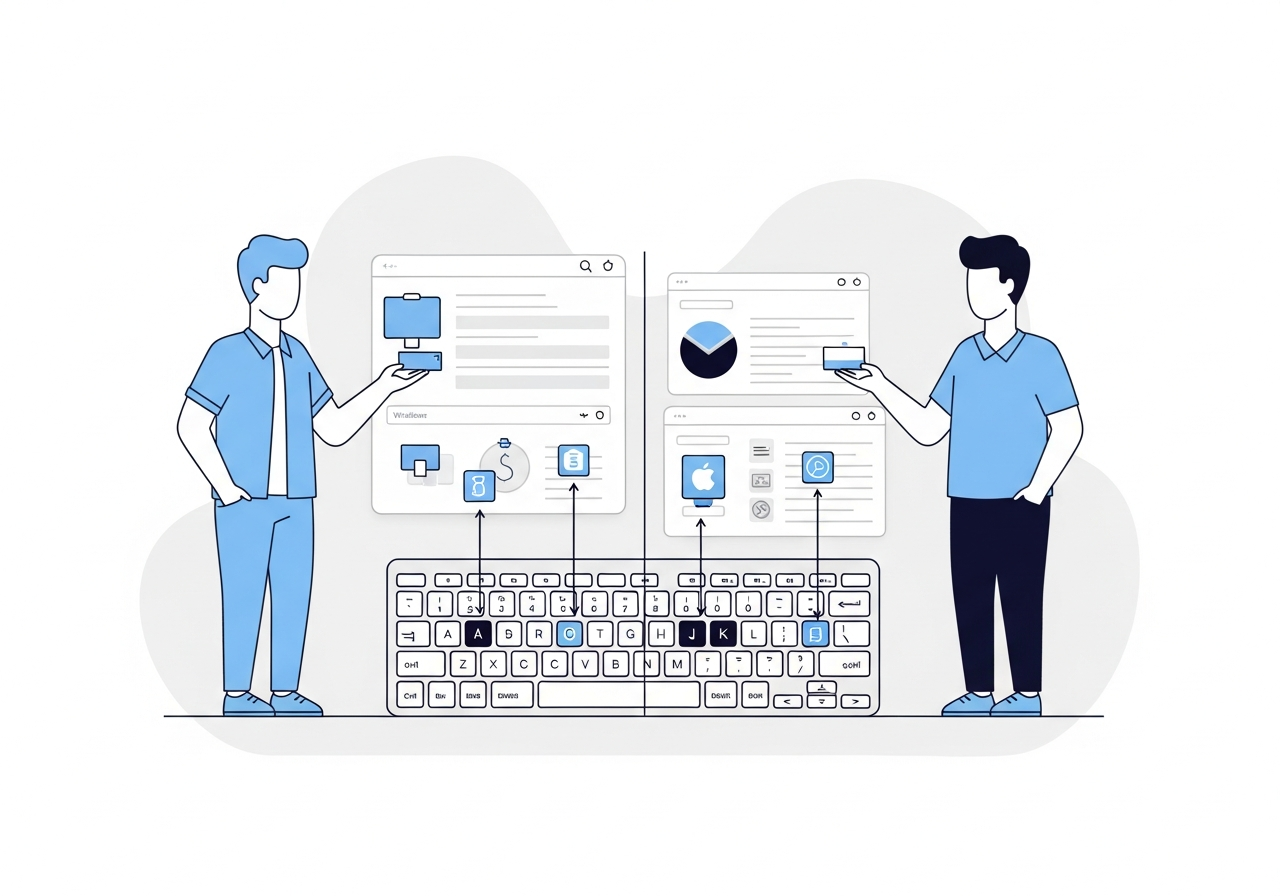
Build a keyboard-only app switching workflow on Mac: one hotkey per app, no Cmd+Tab, no mouse. Here's the exact setup that made muscle memory automatic.
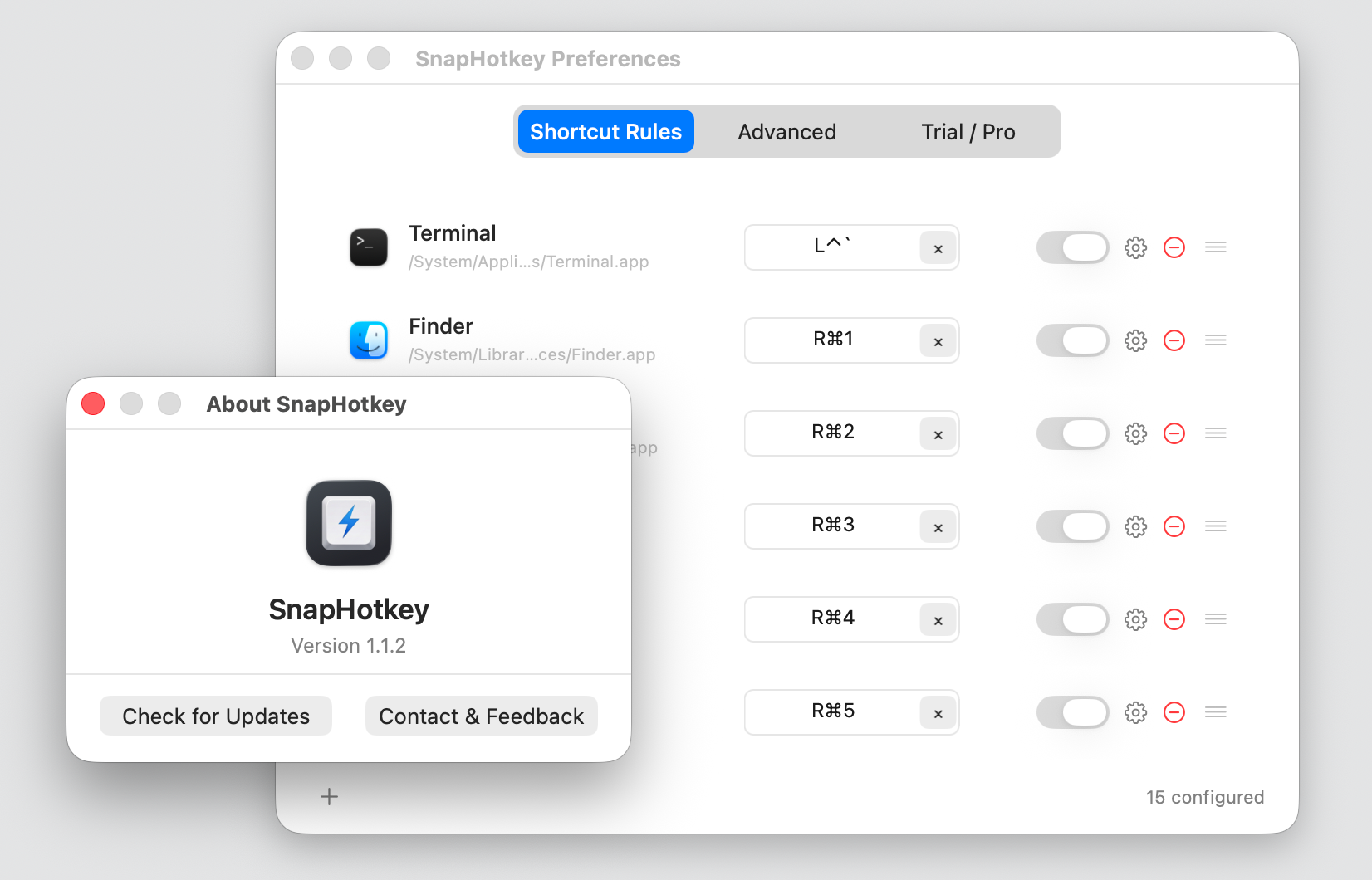
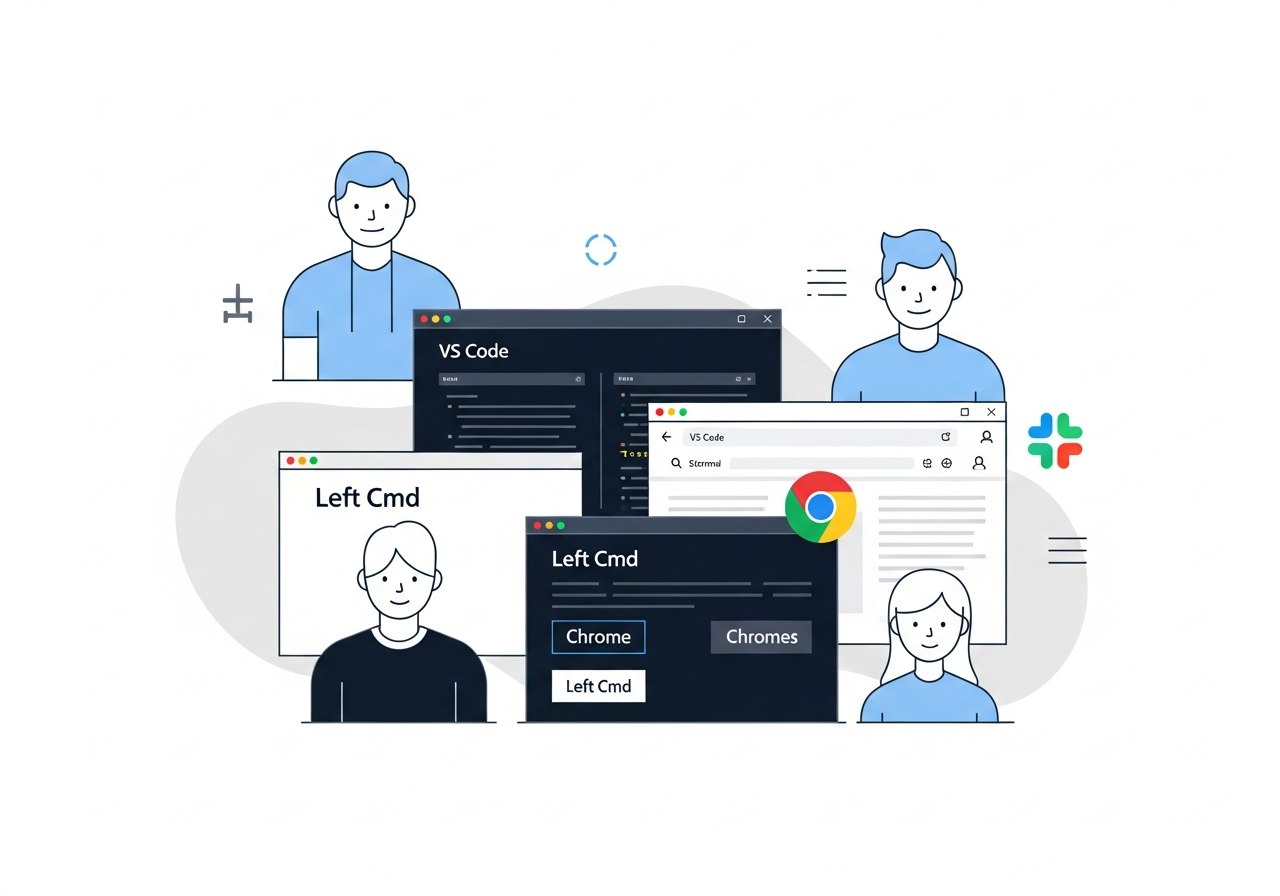
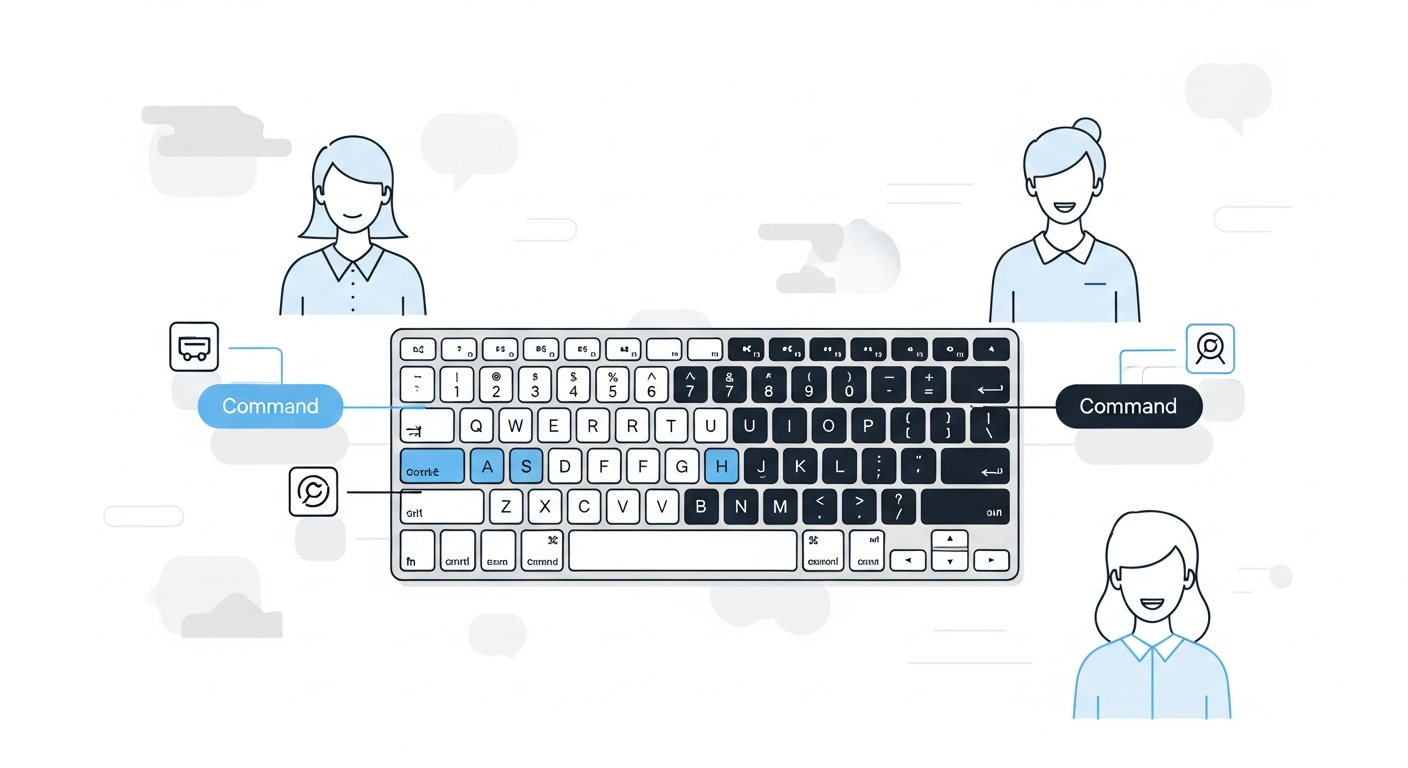
Mac left right command key modifier can be treated as two separate keys. Here's how to build 18 direct-access app shortcuts using both Command keys.
Raycast hotkey open app mac works well, but has gaps. Learn what Raycast gets right and wrong for app switching, and when a dedicated tool fills the gap.
Miss Win+Number taskbar shortcuts after switching to Mac? Learn exactly how to replicate Windows taskbar app hotkeys on macOS — and go even further.
Automator shortcuts stopping or Shortcuts app hotkeys broken? Learn why native Mac keyboard shortcuts for launching apps fail and what alternatives work.
Learn how to show and hide any Mac app with a single keyboard shortcut. Native methods, scripting approaches, and dedicated tools compared.
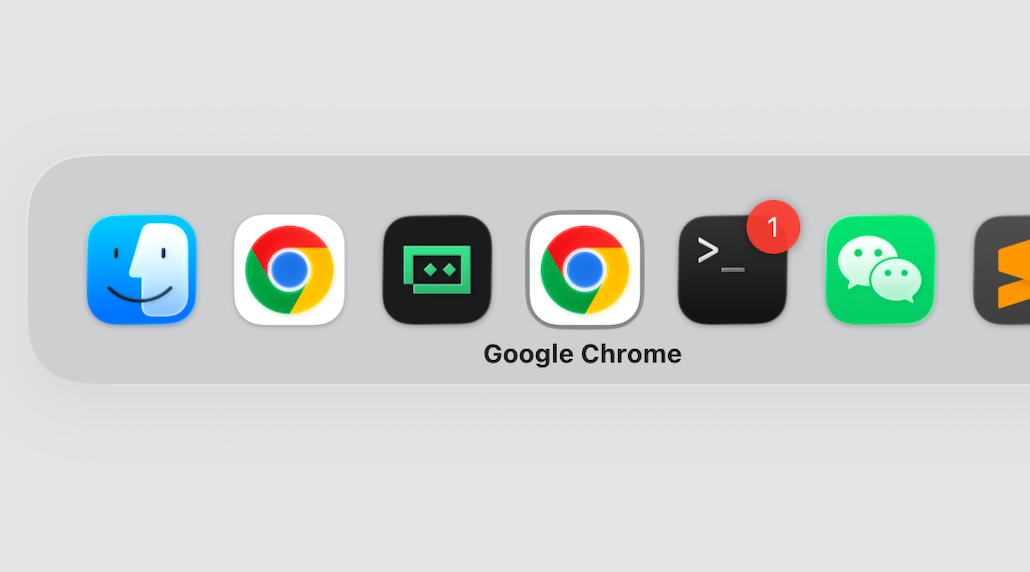
Faster app switching on Mac for developers who are tired of Cmd+Tab cycling. Direct hotkey access methods from Karabiner to rcmd and SnapHotkey compared.
Six dedicated mac hotkey app launchers compared side by side — rcmd, Thor, Snap, Manico, SpaceLauncher, and SnapHotkey. Find the best fit for your workflow.
Most Mac users ignore their right ⌘, ⇧, or ⌥ key for shortcuts. Here's how separating left and right modifiers unlocks a whole new shortcut layer.
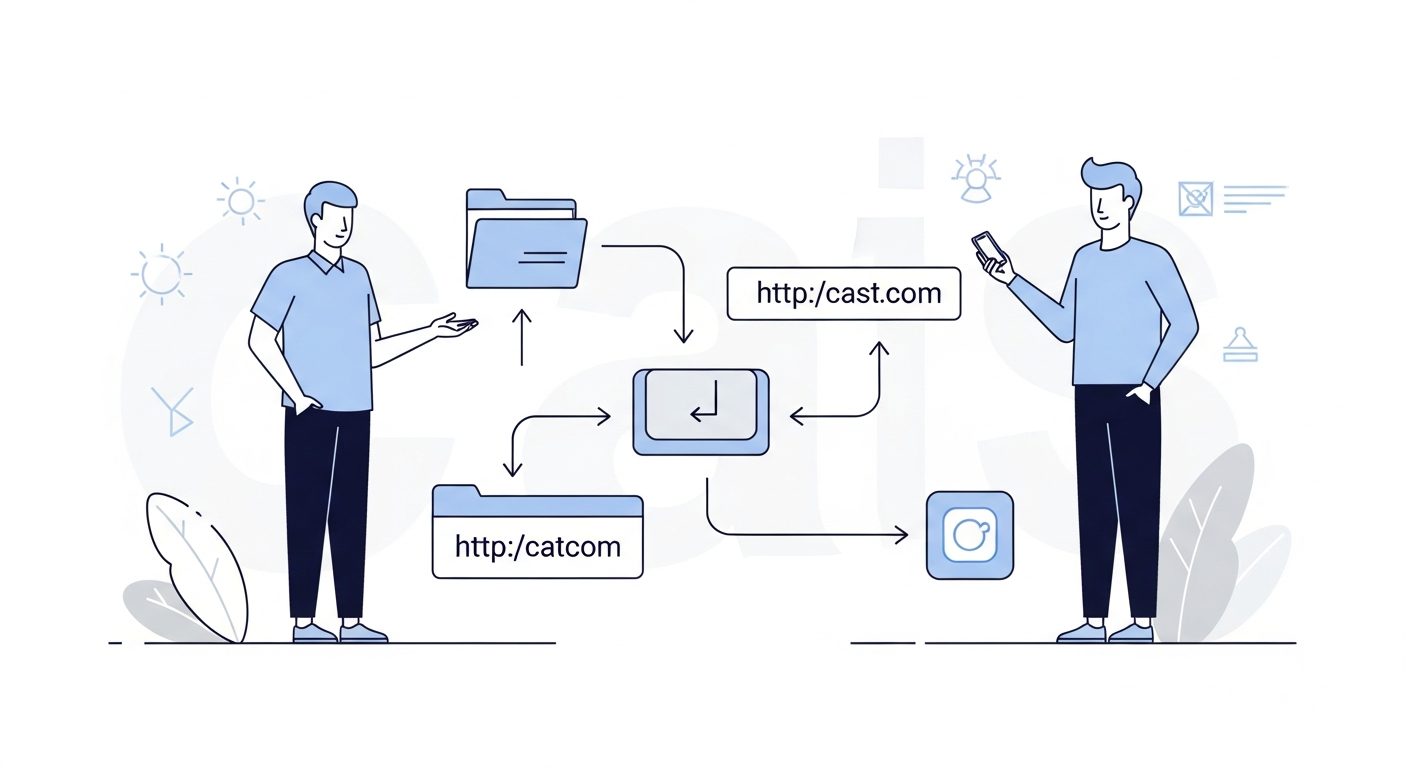
SnapHotkey's Deep Launch lets you bind a hotkey to a specific file, folder, or URL — not just an app. Works with Finder, Chrome, VS Code, Obsidian, and more.
SnapHotkey 1.0 is here. Assign any key combination to any macOS app and switch to it instantly from anywhere.
Every time you reach for the mouse to switch apps, you lose more than a second. Here's why keyboard-driven app switching matters — and how to do it well.